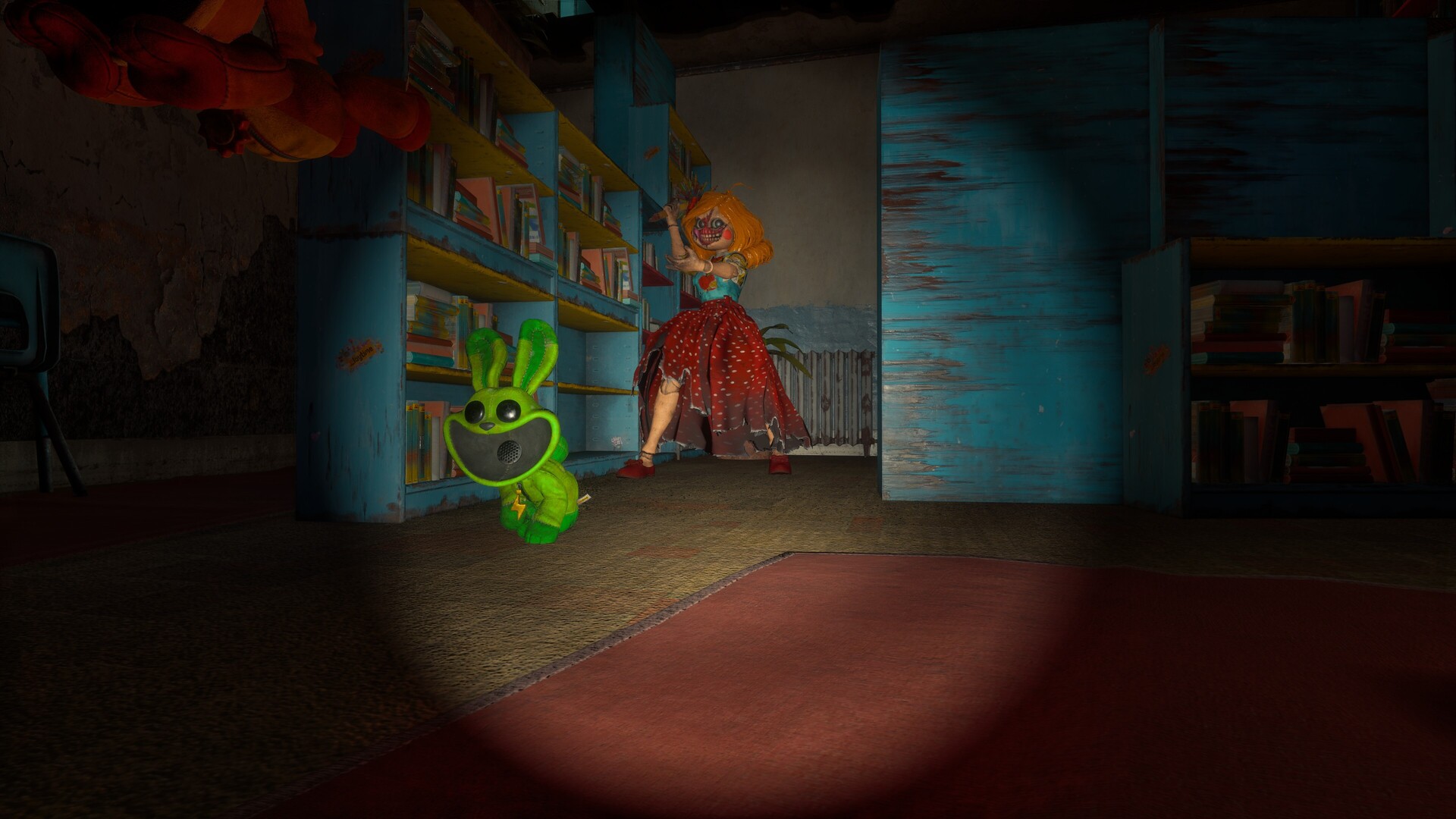
Access and Setup at a Glance
Escape from Playtime is a paid Windows PC game on Steam, available in Early Access with solo play and online co-op for up to eight players. Before buying or gathering your group, check the controls, price and hardware requirements below.
Open Escape from Playtime on Steam to check your regional price and get the Windows game.
Common Access and Setup Questions
- What are the Escape from Playtime controls, and how can a player change them?
- Keyboard and mouse are supported, and Steam lists partial controller support. Check your chosen device's bindings in the current game's control settings, and use any remapping options displayed there. The developer's FAQ also says controllers supported by Steam can be used, so test the actions you need with your particular controller before starting a run.
- Does Escape from Playtime support multiplayer or co-op, and how many players can play together?
- Yes. Escape from Playtime supports solo play and online co-op for up to eight players in total. You can host or join lobbies from the main menu, join friends with a host's shared code, or use Quickmatch to find a random group. Proximity voice chat makes teammates easier to hear when they are nearby.
- Which platforms and storefronts currently support Escape from Playtime?
- Escape from Playtime is available on Windows PC through Steam, with Windows 10 or Windows 11 required. The developer's FAQ identifies Windows as the supported operating system and Steam as the launch storefront. Other platforms may be explored later, so use the Windows Steam release when planning your purchase or arranging a group.
- What is the current Escape from Playtime release or roadmap status?
- Escape from Playtime entered Steam Early Access on October 21, 2026. The developer targets roughly a year before full release, with timing dependent on feedback and development progress. The October 30 Halloween patch followed the October 28 public-lobby and lore update. Plans include additional zones, enemies, items, features, balancing and narrative content, with the full-release schedule remaining flexible.
- Can a player's system run Escape from Playtime, and which settings or platform limits matter?
- Start with a 64-bit processor and operating system running Windows 10 or 11, then compare your CPU, graphics card, RAM and DirectX support with the requirements below. Minimum memory is 8 GB RAM, while recommended memory is 16 GB RAM. Check every component separately before buying; matching the memory requirement alone does not establish that your processor and graphics hardware match the listed specifications.
- Do I need a microphone to play?
- No. A microphone is optional, although the developer recommends being able to communicate over voice chat. Proximity chat makes distant teammates harder to hear, so check your voice setup and agree on how your group will stay in contact before starting. Keep that distance effect in mind if you spread out during a run.
How to Get Into a Game With Friends
- From the main menu, host a lobby or choose to join a lobby. Agree on who will host before everyone starts trying to connect.
- If you host, share your lobby code with your friends so they can join using it. Joining by code provides an alternative to inviting someone through Steam.
- Choose Quickmatch when you want the game to find a group for you. It pairs you with a random group looking for players.
- Gather your group in the lobby before starting the game. Full lobbies and lobbies that have already started a game are removed from the joinable-lobby list.
Minimum and Recommended Windows Requirements
Compare your PC with both columns, paying attention to the processor and graphics card as well as memory. Keep the minimum and recommended lists separate when checking your components.
| Minimum | Recommended |
|---|---|
| Operating system: Windows 10/11. | Operating system: Windows 10/11. |
| Processor: Intel Core i3 9100 or AMD Ryzen 5 3500. | Processor: Intel Core i9-11900k or AMD Ryzen 9 5900x. |
| Memory: 8 GB RAM. | Memory: 16 GB RAM. |
| Graphics: Nvidia GeForce GTX 1650 or Radeon RX 470. | Graphics: Nvidia GeForce RTX 3070 or Radeon RX 6800XT. |
| DirectX: Version 12. | DirectX: Version 12. |
Before You Buy or Join
- Check that your processor and operating system are 64-bit. Make that check alongside the Windows requirement before comparing the rest of your hardware.
- Choose your input device and check its bindings in the current game's control settings. Steam lists partial controller support, so test the actions you expect to use.
- Check the base-game price in your Steam region before purchasing. The introductory discount and the separate Founders Pack promotion have different conditions.
- Check which product you are opening: the Founders Pack is separate DLC that requires Escape from Playtime. Its introductory free offer applies to the pack.